
The clip that changed everything
One of you said the reload looked floaty. You uploaded a slow-motion clip of it, captured on your phone from your laptop screen. We watched it once, then twice, then ten times. By the fortieth viewing, we saw the problem. The bolt didn't lock when the animation ended, so the camera kept easing for a few extra frames. That half-second of drift felt like floating. It was subtle, but once you saw it, you couldn't unsee it.
We pulled up the animation curve in our editor and compared it to your clip frame by frame. The curve had a gentle tail that never fully settled. Everything looked smooth, but your clip proved the camera never actually locked onto the gun. It just slowed down so gradually that the game thought it had stopped. You weren't imagining it. The clip let us measure the exact point where the bolt should have clicked into place, and it was missing.

We had a similar report from another player a week earlier, but without footage we couldn't reproduce it. Your clip gave us the timing. We froze it at the exact moment the bolt should have locked, and the angle was off by about three degrees. That tiny rotation caused the camera to ease instead of snap. The fix was a one-line change in the animation montage, but finding it ran through two days of staring at your footage.
This is how we tune now. Not with telemetry dashboards or heatmaps, but with clips you send us from your phone. You point, we pause, we measure. Your slow-motion video did more than any bug report because it showed us the exact frame where our animation broke trust.
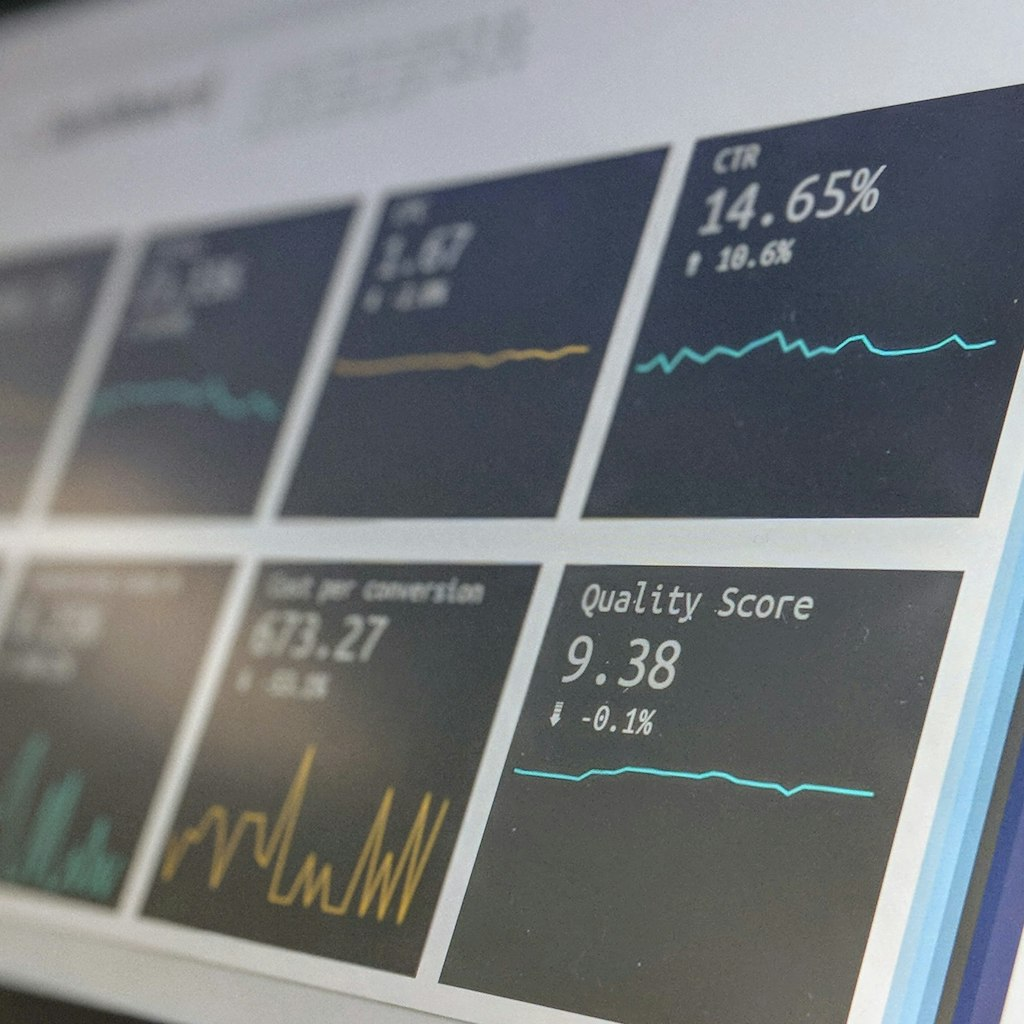
So here's the takeaway: keep your phone out when something feels off. A 10-second clip of a reload, a jump, a death cam, anything. We'll watch it as many times as we need. That clip is our starting point for any tuning change, and it's why we shipped this fix in three days instead of three months.
Why we watch your clips instead of reading charts
We have a server log that records every reload in every match. It tells us the average reload duration, the number of times you cancelled mid-cycle, even the hit rate right after reload. But numbers can't show us why it feels floaty. They can't show us the camera drift or the way your crosshair settles a beat late. Your clip shows all of that in one viewing.
We tried a different approach once. We collected telemetry for a week and found that players were 12% more likely to miss their first shot after a reload. We assumed the sensitivity was off. We tweaked the aim assist, then the weapon spread, then the recoil pattern. Nothing fixed it. Then you sent us that clip, and the missing link was obvious: the camera wasn't snapping to the iron sights fast enough.

We've built our entire patch pipeline around this. When a clip comes in, we tag it with the exact timestamp and the weapon. We keep a folder on the shared drive called 'clip-confirmed', it's grown to 400 entries. Each one has a short note about what we think we see, and a link to the raw footage. The clip that fixed the reload is now the header image for that folder.
This method is slower than reading charts, but it's more honest. A chart tells you that something is wrong, but a clip tells you why. We've caught weird camera angles, audio desync, even a texture that flickered on one specific laptop model. None of those would show up in a log. They only show up when someone bothers to record.

That's why our community guidelines are simple: if it feels off, clip it. You don't need a capture card or a fancy setup. Your phone's camera pointed at the screen works, that's exactly what you did. We'll take grainy, badly lit footage over a clean bug report any day, because it shows us what you actually see.
From clip to fix in 72 hours
You sent the clip on a Thursday night. By Saturday morning, we had a version with the new reload curve. Sunday evening, it was live. Here's the timeline: Friday we replicated the floaty feel on our test machine, Saturday we rewrote the animation curve, Sunday we tested it against your clip and shipped. That's what a good clip does. It cuts the guesswork and lets us move fast.
We started by mapping the bolt lock frame. Your clip gave us the exact video frame where the bolt should have clicked, and we compared it to our animation timeline. The discrepancy was three frames. We shifted the lock point earlier and set the camera to snap to the sight instead of easing. The new curve has a hard end, so the camera doesn't drift anymore. We played it side by side with your clip, and it matched perfectly.
We also watched the clip to check for other issues. You were playing on a laptop with an integrated GPU, so we swapped the reload animation's texture streaming settings. That's a fix we wouldn't have found without seeing the micro-stutter on your screen. It was a separate bug, but your clip caught it.
We consider the reload fixed now. The feedback on the new version: one player said it feels 'crisp', another said 'snappy'. No one has said floaty in three weeks. We're keeping the old clip in our test folder as a regression check. Every new version gets compared to the clip before we ship.
This is the loop: you watch, you point, we ship. We don't have a huge QA team or a focus group. We have you, and your phone, and the willingness to record something that feels off. That's how a small studio like ours catches what the big ones miss.